

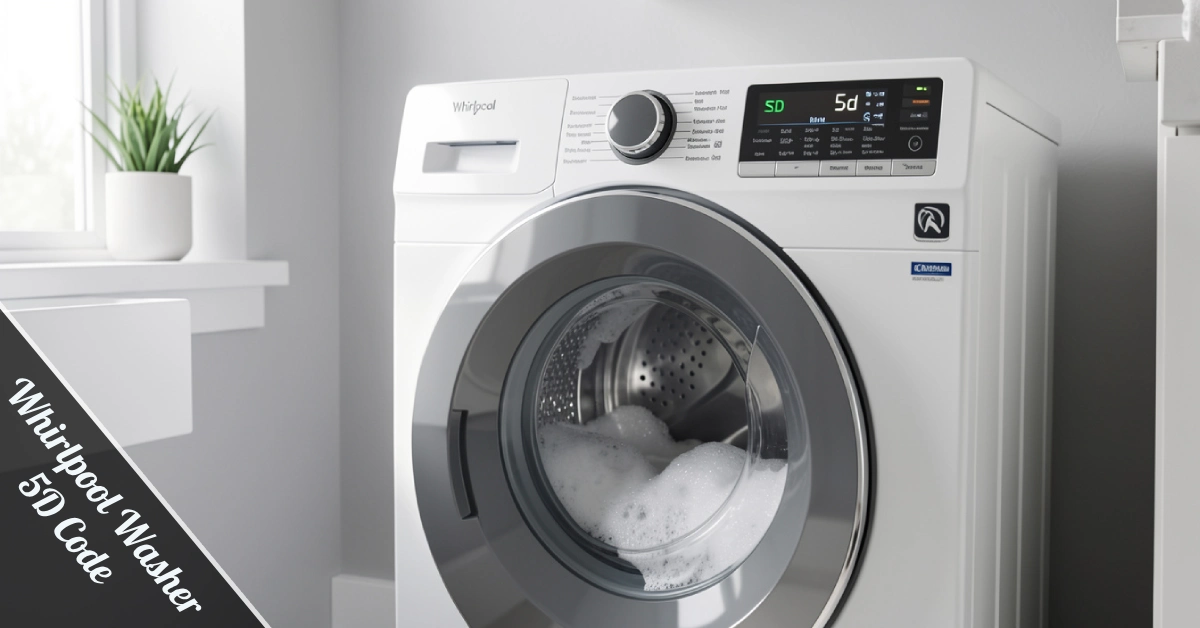
You’re halfway through laundry day, and your washer freezes up with a cryptic message on the display. Don’t panic — this one’s an easy fix.
The Whirlpool Washer 5D Code — also shown as Sd or Sud on some models — is your machine’s polite way of saying there are way too many soap suds in the drum right now.
It’s not a sign of a broken machine. It’s a built-in safety alert doing exactly what it should.
This post breaks down every cause, every fix, and every habit that keeps this code from coming back. Whether you’re a first-time washer owner or a seasoned DIYer, the steps here are clear, quick, and practical.
Is It ‘5D’ or ‘SD’? Here’s What Your Display Is Actually Showing
Great question — and you’re not alone in the confusion. The font on most Whirlpool displays makes a lowercase ‘S’ look exactly like a ‘5’.
Either way, same code. Same cause. Same fix. Don’t let the display stress you out.
The official code is ‘Sd’ — short for suds. But because of how the display renders characters, plenty of users read it as ‘5d’ and search for that instead.
What Causes the Whirlpool Washer 5D Code?
Whirlpool’s HE (High-Efficiency) washers are engineered to use less water and less detergent per cycle. That efficiency is a feature — but it also means the machine is sensitive to even small detergent overloads.
Here are the main culprits behind the code. Understanding them is half the battle — once you know why the error shows up, preventing it in the future becomes second nature and saves you real time.
Too Much Detergent
Even a little too much HE detergent can tip the scale. Always follow the label’s recommended amount for your load size.
Using Non-HE Detergent
Regular detergent is engineered to create lots of foam — great for old top-loaders, terrible for HE machines. If your detergent doesn’t say ‘HE’ on the bottle, swap it out today.
Heavy Soil or Oily Clothing
Dirt and oils from heavily soiled clothes mix with detergent during the wash cycle and can naturally produce extra foam. That foam triggers the sensor.
Clogged Drain Pump or Filter
When the drain pump filter is blocked with lint, hair, or debris, water can’t exit the drum fast enough. Suds build up, and the machine detects the imbalance, throwing the error code before the cycle can continue.
Common Causes at a Glance
| Cause | What Happens | Quick Fix |
| Too much detergent | Excess suds build up | Reduce the detergent amount |
| Wrong detergent type | Non-HE foam overloads the drum | Switch to HE detergent |
| Clogged drain filter | Water won’t drain properly | Clean the filter |
| Kinked drain hose | Suds can’t exit the washer | Straighten or replace the hose |
| Faulty foam sensor | Ghost error code appears | Test & replace sensor |
What Does Your Washer Do When It Detects Too Much Suds?
Your Whirlpool is smarter than it looks. When it spots excess foam, it automatically slows the spin cycle, adds a bit more water, and tries to rinse the suds out on its own.
You’ll notice the timer pausing or extending. That’s normal — let the machine do its thing first.
If the suds clear out on their own, the code disappears, and the cycle continues. If the problem persists after the auto-correction attempt, it’s time for you to step in with a manual fix.
How to Fix the Whirlpool Washer 5D Code — Step by Step
Work through these steps in order. Most users solve the problem at step two or three without going further.
Step 1 – Give It a Minute
If the code just appeared, wait it out. The washer is running its auto-rinse routine. Don’t add detergent, don’t restart the cycle, and don’t open the door mid-attempt.
Step 2 – Clean the Drain Filter
This is the most underrated fix in washer maintenance. The drain filter sits at the bottom front of the machine behind a small cover. Pull it out, rinse it under running water, and clear out any lint, hair, or debris that’s built up inside.
Step 3 – Run a Rinse and Spin Cycle
After cleaning the filter, run a rinse and spin cycle with zero detergent. This flushes out leftover suds still hanging around in the drum.
Step 4 – Deep Clean the Drum
Remove any clothes, then run a long hot-water cycle with no detergent added. This melts the built-up soap residue hiding inside the drum. If foam is still visible afterward, run a dedicated washing machine cleaner through a full cycle.
Step 5 – Check the Drain Hose
Head around back. If the drain hose is kinked or looped awkwardly, straighten it out immediately.
Step 6 – Inspect the Drain Pump
A gunky pump can slow drainage enough to trigger the code. Wipe it down if it’s dirty. If it looks physically damaged or isn’t running, the pump may need to be replaced.
Step 7 – Test the Foam Level Sensor
Still seeing the error? The foam level sensor might be sending false readings. Turn the washer on without starting a cycle — if the code pops up immediately, open the control panel and test the sensor with a multimeter for continuity.
Step 8 – Check the Water Pressure Sensor
This sensor is near the control panel and has a rubber tube attached. Disconnect the tube and check for blockages. Test the sensor with your multimeter — a continuity reading means it’s healthy, while no continuity means it needs replacing before your next wash.
Step 9 – Main Control Board (Last Resort)
If every step above has failed, the main control board may be sending ghost error signals. At this point, call a qualified technician.
Preventing the 5D Error: Habits That Actually Work
The best fix is the one you never need. These five habits take less than a minute each and keep your washer running clean every single time.
Your Prevention Cheat Sheet
| Habit | Why It Matters |
| Use HE detergent only | Designed for low-suds HE machines |
| Measure detergent carefully | Less is more in high-efficiency washers |
| Don’t overload the drum | Clothes need space to rinse clean |
| Run the Clean Washer cycle monthly | Removes residue before it builds up |
| Use cold water when possible | Hot water increases foam production |
The Whirlpool Washer 5D Code almost always comes back when detergent habits haven’t changed. Fix the habit, and you fix the problem for good.
Frequently Asked Questions
Why does my Whirlpool washer keep showing the 5D code after I already fixed it?
The most common reason is a detergent habit that hasn’t changed. Even switching to HE detergent won’t help if you’re still using too much of it. Measure carefully every time — in HE machines, less really is more.
Can I use regular detergent in a Whirlpool HE washer?
No. Regular detergent produces far too much foam for HE machines. Always use HE-labeled detergent only.
How often should I clean the drain filter?
Once a month is the sweet spot for most households. If you wash heavily soiled loads or have pets, clean it every two weeks to stay ahead of buildup before it becomes a problem.
When should I call a technician for the 5D error?
Call in a professional if the code persists after cleaning the filter, correcting your detergent, and running fresh rinse cycles. Faulty sensors and control board issues are beyond DIY territory and need proper diagnostic tools to be resolved correctly.
The Bottom Line
The Whirlpool Washer 5D Code is one of the easiest error codes to fix — and even easier to prevent. Most of the time, a quick detergent adjustment and a clean drain filter are all it takes to get back to smooth laundry cycles.
Swap to HE detergent, measure it properly, clean your filter monthly, and your washer will thank you with years of drama-free performance. No technician required in most cases.
Got a stubborn error that won’t quit? Drop your situation in the comments, and we’ll help you troubleshoot it fast.