

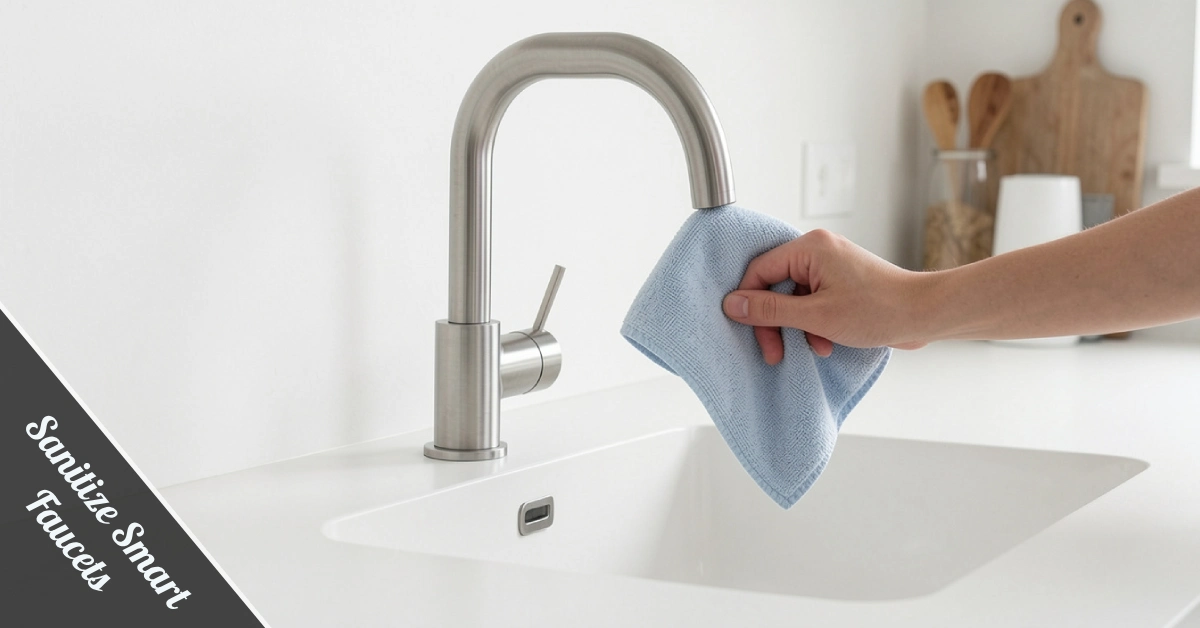
Smart faucets are one of those upgrades that just make sense. No dirty-hand smudges, no germ relay race from one family member to the next — just clean water, on demand. But here’s the thing most people miss: the faucet itself needs cleaning too. Knowing how to properly sanitize smart faucets keeps them looking sharp, working smoothly, and actually doing their hygiene job long-term.
This guide breaks it all down — tools, steps, troubleshooting — without turning it into a chemistry lecture.
Why Sanitizing Your Smart Faucet Actually Matters
You’d think a touchless faucet is self-cleaning. It’s not. Soap residue, hard water minerals, and airborne bacteria still land on the spout and base. The sensor lens can fog up with moisture and grime over time. That buildup quietly degrades performance and hygiene.
A neglected smart faucet becomes a hotspot for cross-contamination — exactly what it was designed to prevent. Regular cleaning keeps bacteria and viruses from settling into the base, handle grooves, and soap dispenser nozzle. Your investment deserves that level of respect.
Faucet finishes like chrome and stainless steel are also surprisingly sensitive. Harsh chemicals cause micro-scratches and dull the surface permanently. Gentle, consistent care is the real cheat code here.
The Tools You Actually Need (Keep It Simple)
No need for a cleaning cart that rivals a janitorial closet. The right tools are probably already in your kitchen. Here’s your short list:
| Tool | Purpose |
|---|---|
| Soft microfiber cloth | Wipes surface without scratching the finish |
| Mild dish soap or foam cleaner | Safe for exterior cleaning |
| Old soft toothbrush | Reaches sensor edges and tight joints |
| Dry towel | Buffs surface to a clean shine |
Skip bleach, vinegar-heavy sprays, and anything labeled “heavy-duty degreaser.” These damage sensor housings and strip protective coatings on chrome or matte finishes.
How to Sanitize Smart Faucets: Step-by-Step
This is where it gets practical. Follow this routine weekly, and you’ll never deal with a sluggish sensor or grimy spout again.
Step 1 — Deactivate the Sensor Mode First
Before you touch anything, disable the sensor. Most smart faucets have a manual override or sensor lock feature. This stops the faucet from triggering mid-clean and soaking you or your supplies unexpectedly.
Step 2 — Wipe Down the Spout and Handle
Dampen your microfiber cloth with warm water and a small drop of mild soap. Wipe down the entire spout, handle, and base in gentle circular motions. Don’t press hard — the goal is lifting residue, not scrubbing the finish off.
Step 3 — Clean the Sensor Carefully
The sensor area is the most sensitive zone. Use your soft toothbrush — lightly dampened, no soap — to gently brush around the sensor lens and housing. Avoid getting moisture directly into the sensor opening.
Step 4 — Check and Clean the Aerator
The aerator sits at the tip of your spout and controls water flow. Mineral deposits love collecting here. Unscrew it carefully (wrap it in a cloth to protect the finish), rinse it under warm water, and use your toothbrush to clear any buildup. Reattach snugly.
Step 5 — Inspect the Battery Compartment
Moisture near the battery housing causes corrosion, which can kill your faucet’s smart functions entirely. Check the compartment cover monthly. If you spot white or green residue around battery contacts, clean it with a dry cotton swab immediately.
Step 6 — Dry and Buff
Wipe everything down with your dry towel. Don’t leave any moisture sitting on the surface or near sensor openings. A quick buff restores that showroom finish and prevents water spots.
Cleaning Schedule: How Often Is Often Enough?
Consistency beats intensity every time. Here’s a realistic schedule that doesn’t require rearranging your whole week:
| Frequency | Task |
|---|---|
| Daily | Quick wipe of the spout and base with a dry cloth |
| Weekly | Full clean with microfiber cloth and mild soap |
| Monthly | Aerator rinse + battery compartment check |
| Every 3–6 months | Deeply inspect seals, sensors, and thermostatic settings |
Kitchen faucets need slightly more attention than bathroom ones — cooking splatter and grease make the base dirtier faster. If you have hard water, bump up your aerator cleaning to bi-weekly.
Finish-Specific Tips: Chrome vs. Stainless Steel
Not all finishes play by the same rules. Here’s how to adapt your routine:
Chrome Finishes
Chrome is brilliant, but it shows water spots instantly. Always dry chrome immediately after cleaning — standing water leaves mineral rings. Use a microfiber cloth only; paper towels are rough enough to leave hairline scratches over time.
Stainless Steel Finishes
Stainless steel is more forgiving but still hates harsh abrasives. Always wipe with the grain, not against it, to prevent micro-scratching. A light buff with a few drops of mineral oil every few months keeps it looking fresh.
Matte and Oil-Rubbed Finishes
These finishes are the most delicate. Skip any soap with citric acid or heavy surfactants. Just warm water and a gentle cloth — that’s it. To sanitize smart faucets with matte finishes, foam cleaners specifically designed for brushed surfaces are your best bet.
Troubleshooting: When Something Seems Off
Even well-maintained faucets throw curveballs. Here are the most common issues and quick fixes:
Low water pressure? Almost always the aerator. Mineral deposits clog it slowly. Remove, rinse, and reinstall — pressure should bounce back immediately.
Sensor not responding? Check the battery level first. Weak batteries cause delayed or no response before failing. Also, make sure no residue is sitting directly on the sensor lens — even soap film can block the infrared signal.
Water temperature inconsistency? Check your thermostatic setting. Smart faucets with temperature memory can drift if the settings aren’t locked in. Refer to your faucet’s manual to recalibrate.
Faucet activating randomly? Reflective surfaces near the sink — like a metal bowl or mirrored backsplash — can confuse the sensor. Reposition nearby objects and see if false triggers stop.
What to Avoid — The “Don’t” List
Just as important as knowing what to do is knowing what absolutely not to do. A few habits that seem harmless can cause real damage:
- Don’t spray cleaners directly onto the sensor. Always spray onto your cloth first, then wipe.
- Don’t use steel wool or scrubbing pads. Even “soft” scrubbers can scratch chrome and stainless finishes.
- Don’t ignore a dripping faucet. A constant drip puts stress on the solenoid valve and wastes water — have it checked early.
- Don’t submerge any part of the faucet in cleaning solution. Wipe-clean only.
Long-Term Maintenance: Protecting Your Investment
Smart faucets aren’t cheap, and proper long-term care means you won’t be replacing yours in three years. To sanitize smart faucets consistently and protect their value, build these habits into your routine.
Check the seals around the base every season. Worn seals let moisture into the cabinet below, which causes silent water damage. Replacing a seal costs almost nothing — water damage under a cabinet costs a lot.
Keep an eye on thermostatic settings, especially if you have kids. Smart faucets with pre-set temperature limits prevent accidental scalding, but those settings should be reviewed when seasons change and water heater outputs shift.
Finally, don’t skip the manufacturer’s manual. Every smart faucet model has quirks — sensor sensitivity adjustments, specific cleaner compatibility notes, and battery replacement instructions. Ten minutes with the manual saves hours of troubleshooting later.
Wrapping It Up
Keeping your smart faucet clean isn’t complicated — it just requires a little routine. The right tools, the right frequency, and a hands-off approach to harsh chemicals are all you need. When you sanitize smart faucets the right way, you’re not just maintaining a fixture — you’re protecting your household’s hygiene, your home’s aesthetics, and a piece of technology that genuinely improves daily life.
A quick wipe today keeps the repairman away tomorrow. Start the routine, stick with it, and your faucet will stay as sharp as the day it was installed.